Quick answer
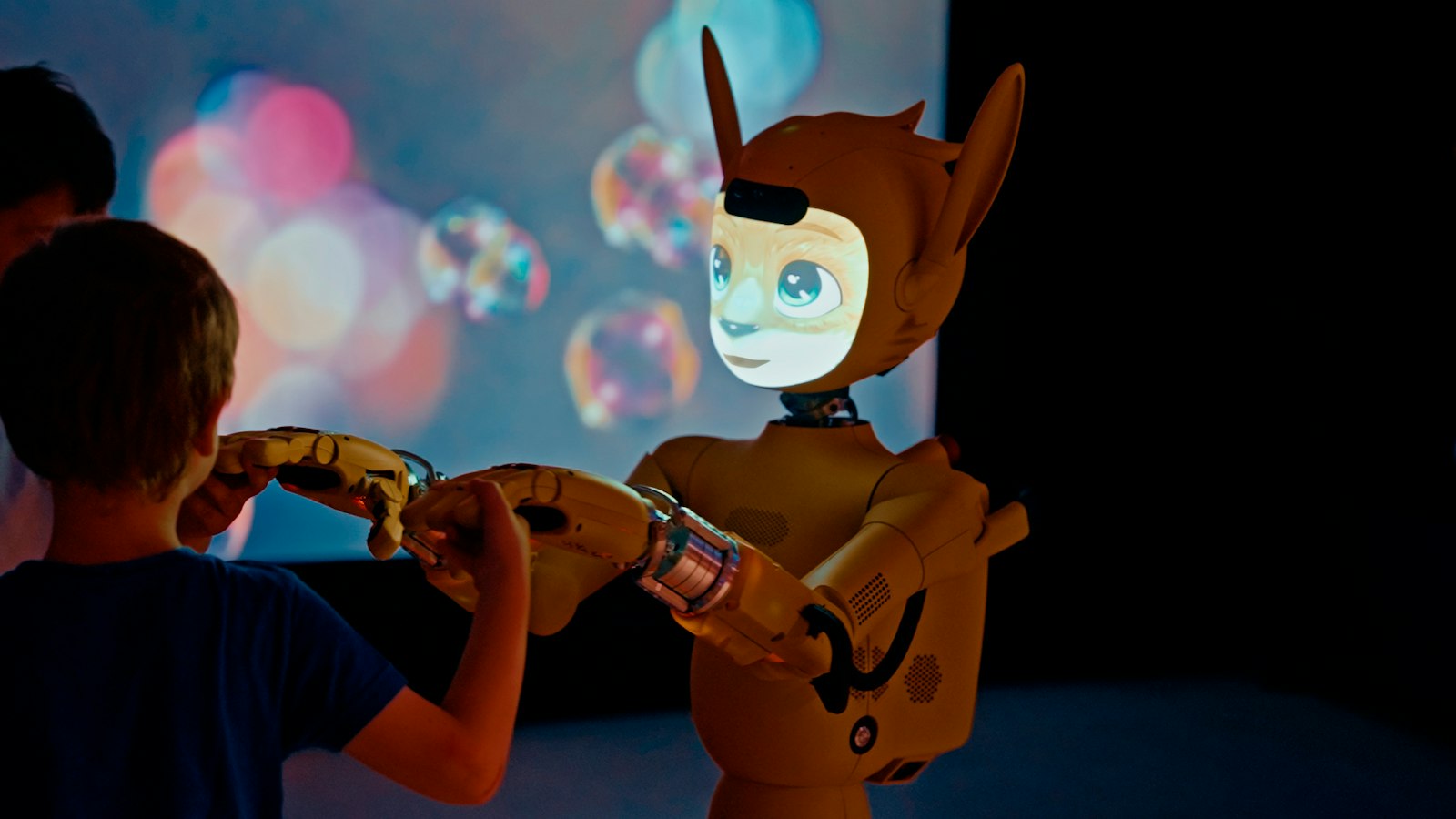
The Dash coding robot is a tablet-controlled Wonder Workshop robot for children roughly ages 6 to 11. It arrives assembled, and its free apps move from drawing routes to block coding; choose it for a child who has a compatible device and wants a screen-based robot rather than a screen-free first coding toy.
We earn from qualifying purchases made through links on this page. How this works
Top picks
- Wonder Workshop Dash Robot — Best for children ready for app-based coding.
- Learning Resources Botley 2.0 — Best for screen-free coding.
- Learning Resources Code & Go Robot Mouse — Best for a younger child’s first coding sequences.
At a glance
- Maker age label: 6–11; the maker FAQ says ideal for ages 5–14
- Price: $189.99 from the maker, as of November 2026
- What’s in the box: Assembled Dash, USB charging cord and two brick connectors
- Verdict: A capable app-based robot for a child with a compatible tablet and hard floor; not the best choice for screen-free learning
Our pick
Wonder Workshop Dash Robot
Dash suits a child aged about 6 to 8 who is ready to move from route drawing into block coding.
- Arrives assembled, so there is no construction before the first session
- Free apps cover routes, triggers, actions, variables, events and conditionals
- Requires a compatible tablet, phone or computer and a clear area of hard floor
What is in the Dash box?
Dash arrives assembled and charged. The box contains one Dash Robot, one USB charging cord and two building-brick connectors. There are no batteries to install and no robot body to build.
That simplicity is either Dash’s biggest strength or its biggest limitation. If your goal is to start coding quickly, an assembled robot removes the setup barrier. If you wanted a child to build a machine from parts, read diagrams or use a screwdriver, Dash is the wrong kind of robot kit.
Dash is about seven inches tall. It has a 12-LED eye, three microphones, distance sensors, infrared and Bluetooth. The maker also states that it has no camera.
The internal lithium-ion battery is not replaceable by the owner. The maker rates it at about five hours of active play and less than an hour to charge, although Rosie Research reported battery life as a problem with some units.
What can children do with the Dash apps?
Dash’s apps form a progression from direct control to programming. Six hands-on sources agreed that Dash needs a tablet, phone or computer to do anything, and that the free apps create a ladder from driving to block coding.
Path: draw a route
Path is the simplest entry point. A child draws a route with a finger, and Dash follows it.
Wonder: use triggers and actions
Wonder is the maker’s app for making robotics accessible to children aged 6 and up. It works more like a flowchart of triggers and actions than a traditional stack of blocks.
A child can set up an event and tell Dash what to do in response.
Blockly: move into real block coding
Blockly is the main free programming app. It includes variables, events and conditionals. This is where Dash becomes more than a remote-controlled toy: a child can create a sequence, run it, watch what happens and change the program.
That progression lines up with two CSTA practices: Create computing technologies and Test and refine computing technologies. It also matches Ching and Hsu’s review of robotics research from pre-kindergarten through grade 6, which found sequencing to be the most studied skill and debugging to be teachable at young ages.
The research does not prove that every child will learn coding from Dash. A 2024 meta-analysis found a positive pooled effect for educational robotics, but the studies varied substantially, with I² of 80.7%, and the authors flagged possible publication bias.
Blockly Pro: the paid, text-coding route
Blockly Pro runs in the Chrome browser, requires a paid Make Wonder subscription and lets the user switch between blocks and JavaScript or Python.
This is the highest rung in Dash’s ladder, but it comes with important limits. It is Chrome-only, and Tech Advisor found no equivalent advanced coding app for Android or FireOS. Make Wonder’s free tier includes one teacher, up to 35 students, puzzle tracking and the legacy curriculum, but it still requires a physical Dash. Paid plans begin at $125 per year for STEM Homeschool and include larger classroom and school tiers.
The practical conclusion is simple: Dash’s free apps are the main reason to buy it. Blockly Pro is an optional later step.
What about Go and Xylo?
Go has been folded into Wonder. Xylo remains a legacy app for iOS. The maker lists five apps in total: Blockly, Wonder, Path, Xylo and Go.
What device and space does Dash need?
Dash works with an iPad or iPhone on iOS 12 or later, Android 6 or later with Bluetooth LE, Kindle Fire devices from 2015 onward, and Chrome on a Mac, PC or Chromebook with Bluetooth LE.

The apps work offline on a tablet after installation. Internet access is needed to download them and to use Blockly for the web.
Bluetooth pairing can be frustrating with some devices. Three of the written reviews mentioned connectivity problems, so check your device before buying.
Dash also needs room to move. Tech Advisor measured about 2 metres by 2 metres and found that the wheels struggled on a thin rug. Plan to use a clear stretch of hard floor rather than carpet.
For a five-year-old, the screen requirement matters. The CDC’s five-year milestones say children may pay attention for 5 to 10 minutes during activities and advises no more than one hour of screen time a day for this age group. Those facts do not make Dash unsuitable, but they do make it a poor choice for a five-year-old expected to use it alone for long sessions.
Which Dash add-on is worth buying?
Dash’s accessories add new physical outcomes to the programs. They also add cost, so start with the robot rather than assuming you need the whole range.
Launcher
The Dash Launcher costs $34.99 from the maker, as of November 2026. It includes three projectiles and six LEGO-compatible stacking targets.
This turns a program into a catapult activity. It is the clearest add-on for a child who wants Dash to interact with objects rather than simply drive or make sounds.
Sketch Kit
The Dash Sketch Kit costs $44.99 from the maker, as of November 2026. It includes a marker harness, six dry-erase markers and six project cards.
The kit makes Dash draw on paper. That gives a child a visible way to compare the intended program with the result: change the route or movement, then see how the drawing changes.

Gripper
The Dash Gripper Building Kit costs $44.99 from the maker, as of November 2026. It contains 76 pieces: three brick connectors, a plastic ball, a foam number cube, a booklet, four Dash cards and four Cue cards.
Choose it for a child interested in picking up or moving objects. It adds manipulation rather than another way to draw or launch.
Wonder Pack
The Wonder Pack costs $289.99 from the maker, as of November 2026. It bundles Dash with the Sketch Kit, Launcher and Gripper, plus two brick connectors.
The bundle is convenient, but the separate accessories are the main complaint across the written reviews. Buying every add-on pushes the total well beyond the robot itself.
How does Dash compare with Botley 2.0 and Robot Mouse?
The main difference is not just age. Dash needs a screen, while Botley 2.0 and Code & Go Robot Mouse are screen-free.
| Dash | Botley 2.0 | Code & Go Robot Mouse | |
|---|---|---|---|
| Age information | 6–11; FAQ says 5–14 | Ages 4–6 according to STEM Education Guide | 4+ |
| Screen needed | Yes: tablet, phone or computer | No | No |
Botley 2.0 is the better screen-free pick for many five-year-olds. STEM Education Guide lists it at ages 4–6.
Code & Go Robot Mouse is labelled 4+ by Learning Resources. It is the simplest option here, although STEM Education Guide reports that its turns are not always accurate.
Ching and Hsu’s review recommends simple screen-free button or block robots for pre-K through grade 2, with on-screen block coding more suited to grades 3 through 6. That supports choosing Botley or Robot Mouse for a younger beginner and Dash for a child ready to work with an app.
Our pick
Learning Resources Botley 2.0
Botley 2.0 is for a child who should practise coding without a tablet.
- Screen-free coding
- Listed at ages 4–6 by STEM Education Guide
- A simpler first step than Dash for many young children
Our pick
Learning Resources Code & Go Robot Mouse
Robot Mouse is for a younger child who needs short, physical coding sequences.
- No tablet or phone required
- Learning Resources labels it ages 4+
- Choose it for a basic first introduction rather than a long coding ladder
Who should buy the Dash coding robot?
Dash suits a child around ages 6 to 8 who already has access to a compatible tablet and can work with an adult nearby for the first few sessions. It is especially appropriate for a family that wants a robot ready to use, a progression from route drawing to blocks and the option of physical add-ons.
Choose something else if:
- You want to avoid screens.
- Your five-year-old needs to work independently.
- You want the child to build the robot rather than program an assembled one.
- Your home has no clear hard floor of roughly 2 metres by 2 metres.
- You want a low-cost toy with all activities included.
Tom’s Hardware gave Dash an Editor’s Choice award but still called it “not cheap.” That is the clearest summary: Dash offers a longer app-based path than a basic screen-free robot, but the robot, compatible device and optional accessories make it a substantial purchase.
For a broader comparison of screen-based and screen-free options, see our guide to the best coding robots for kids.
FAQ
Does Dash need a tablet?
Yes. Dash needs a compatible tablet, phone or computer to do anything. The apps work offline after installation, except that Blockly for the web needs internet access.
What age is Dash for?
The product page labels Dash for ages 6–11. The maker’s FAQ says it is ideal for ages 5 to 14. Reviews place the strongest fit around ages 6 to 8, while Digital Trends puts Blockly at age 8+.
Does Dash have a camera?
No. The maker states that Dash has no camera.
Does Dash include batteries?
No batteries are needed because Dash has an internal rechargeable lithium-ion battery. The battery is not replaceable by the owner.
Can Dash work on carpet?
It may not work well on rugs. Tech Advisor found that the wheels struggled on a thin rug and measured roughly 2 metres by 2 metres of needed floor space.
Are Dot and Cue still sold?
This guide covers Dash. Stemigo warns that Dot and Cue are discontinued.
Is there a recall?
Robotsforthat reports no Wonder Workshop recall in the CPSC database as of November 28, 2026.








Ask a question or share what worked